|
|
Customer Item File MaintenanceApplication Overview
Some customers place orders using their item numbers rather than yours. Without a proper cross-referencing system, it may not be easy to understand which item the customer is referring to and could lead to situations such as shipping the wrong item, consuming time to verify the correct item ordered, or even possibly, losing the sale. This application allows defining a cross-reference system, as well as, as printing the customer item no. and/or description on invoices, picking tickets, packing lists, and order acknowledgements. Run Instructions
Select Customer Item File from the COP Maintenance Menu. Before you can use this function, it must be setup as per the Global Setup documentation.
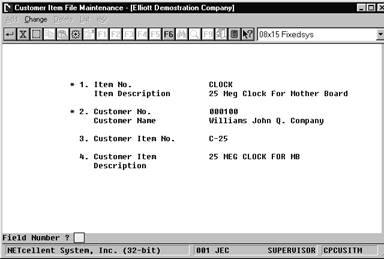
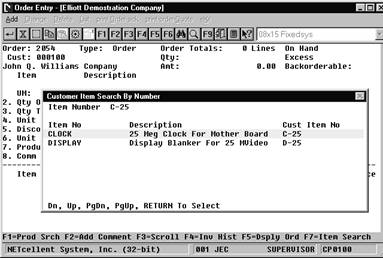
The maintenance screen consists of three major fields to build a cross-reference record for a customer’s specific item. Once the records are created, the user can use the search function key at COP line entry to find the customers item number to fill in the Item No. field. |